View My Desk is built so that nothing happens on your computer without your knowledge and consent.
An approval prompt appears on the remote PC before any session begins. No one can connect silently.
Every device has an Ed25519 identity key, with trust-on-first-use key pinning and fingerprint verification to block man-in-the-middle attacks.
All session traffic is end-to-end encrypted with DTLS — the relay server only ever sees encrypted data.
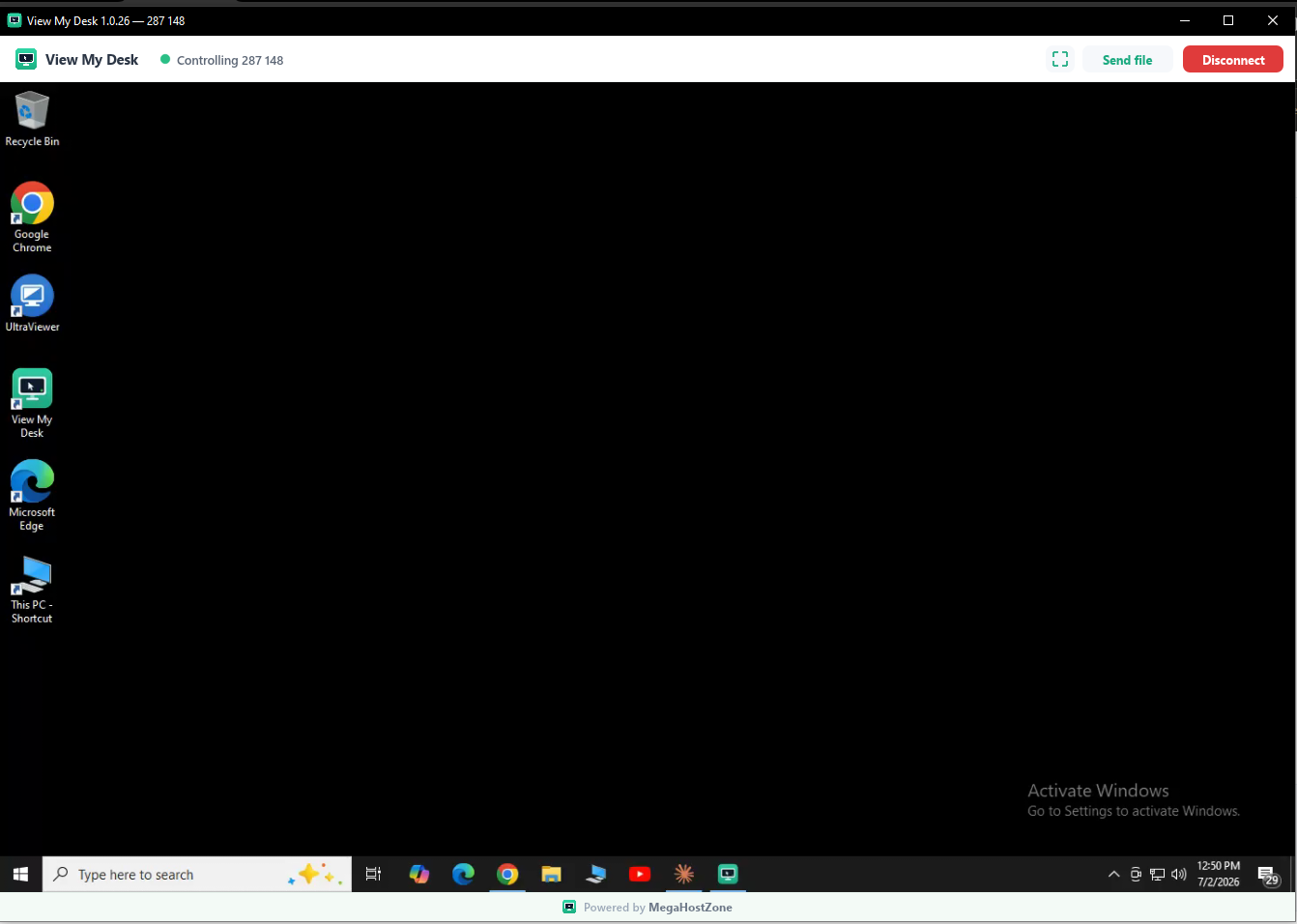
A clear "your screen is being controlled" banner stays on screen during every session, with a one-click stop.
Password-protected access with automatic lockout after repeated failed attempts stops brute-force attacks.
Updates are signed and integrity-checked — verified by SHA-256 before they install.
Files never arrive silently — the remote user must approve every incoming transfer.
Either side can end the session at any moment with a single click.
Before any session begins, View My Desk shows exactly who is asking to connect. Nothing starts until you accept — and while a session runs, a visible indicator reminds you that access is active.
Download for Windows